Today we're releasing aqua, a command-line tool for Aqua Voice designed for agents. aqua changes the words, replacements, and instructions that Aqua uses when you dictate. It can also transcribe audio files.
Script your dictionary and replacements
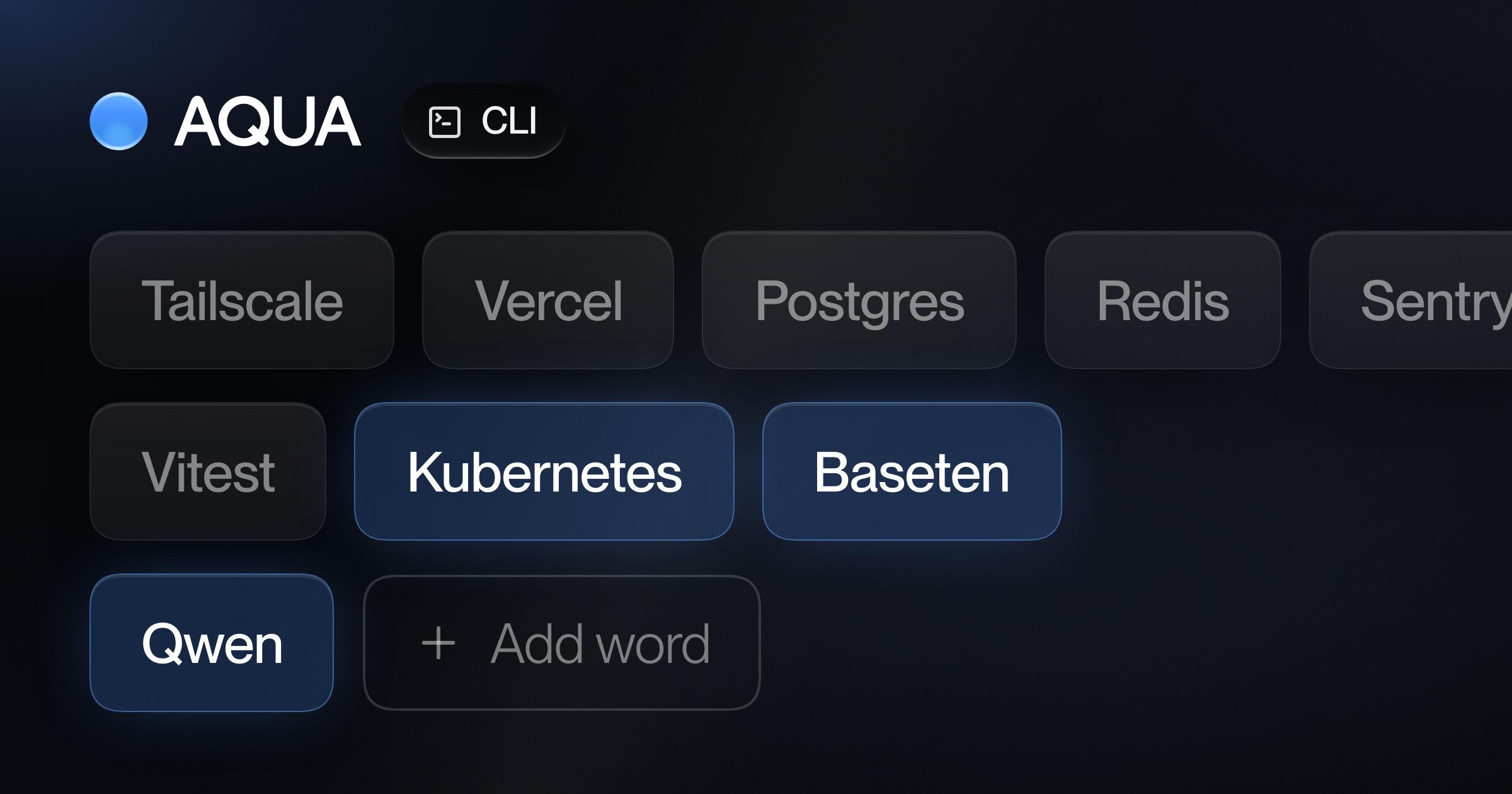
Add your team's names in one line:
aqua dict add Kubernetes Baseten Citrini Qwen
Import a whole list. Add --dry-run to see the changes first:
aqua dict import words.txt --dry-run
aqua replacements import replacements.csv
Each change goes to your Aqua account and applies from your next dictation, on all your devices. In a pipe, output is plain text. Add --json for JSON, or --jq to filter it.
Transcribe files
aqua transcribe memo.m4a > memo.txt
aqua transcribe *.mp4 --format srt --out subtitles/
Transcription runs on Avalon, Aqua's speech model. It needs an API key from the API dashboard and costs $0.39 per hour of audio. The first $1 is free.
Use it from Claude Code and Codex
aqua setup claude
aqua setup codex
This installs a skill that teaches your agent the commands. Then ask it to "add the names in this doc to my Aqua dictionary."
Get it
macOS and Linux:
curl -fsSL https://aquavoice.com/install-cli | sh
Windows:
powershell -c "irm https://aquavoice.com/install-cli.ps1 | iex"
Homebrew:
brew install aqua-voice/tap/aqua
Then run aqua auth login. Check out the docs for a detailed description of the tool's full surface area and configuration options.