Introducing Edit Mode
By Finnian Brown
4 min read
Dictation puts words on the screen. It has never been much help once they are already there.
That gap is where most of the friction lives. You dictate a message, and one name came out wrong. The number should be formatted differently. The whole thing needs to be in Japanese. Every one of those is a five-second thought that turns into thirty seconds of clicking, dragging, backspacing, and retyping, and the mouse round-trip breaks whatever you were actually thinking about.
Edit Mode closes it. Select text anywhere on your Mac or PC, hold your Aqua key, and say the change you want. Aqua rewrites the selection in place.
It is live now in the Aqua desktop app, shipped in version 0.17.0.
How it works
There is nothing to turn on and no second hotkey to learn.
- Select any text, in any app.
- Hold your usual Aqua key.
- Say the change.
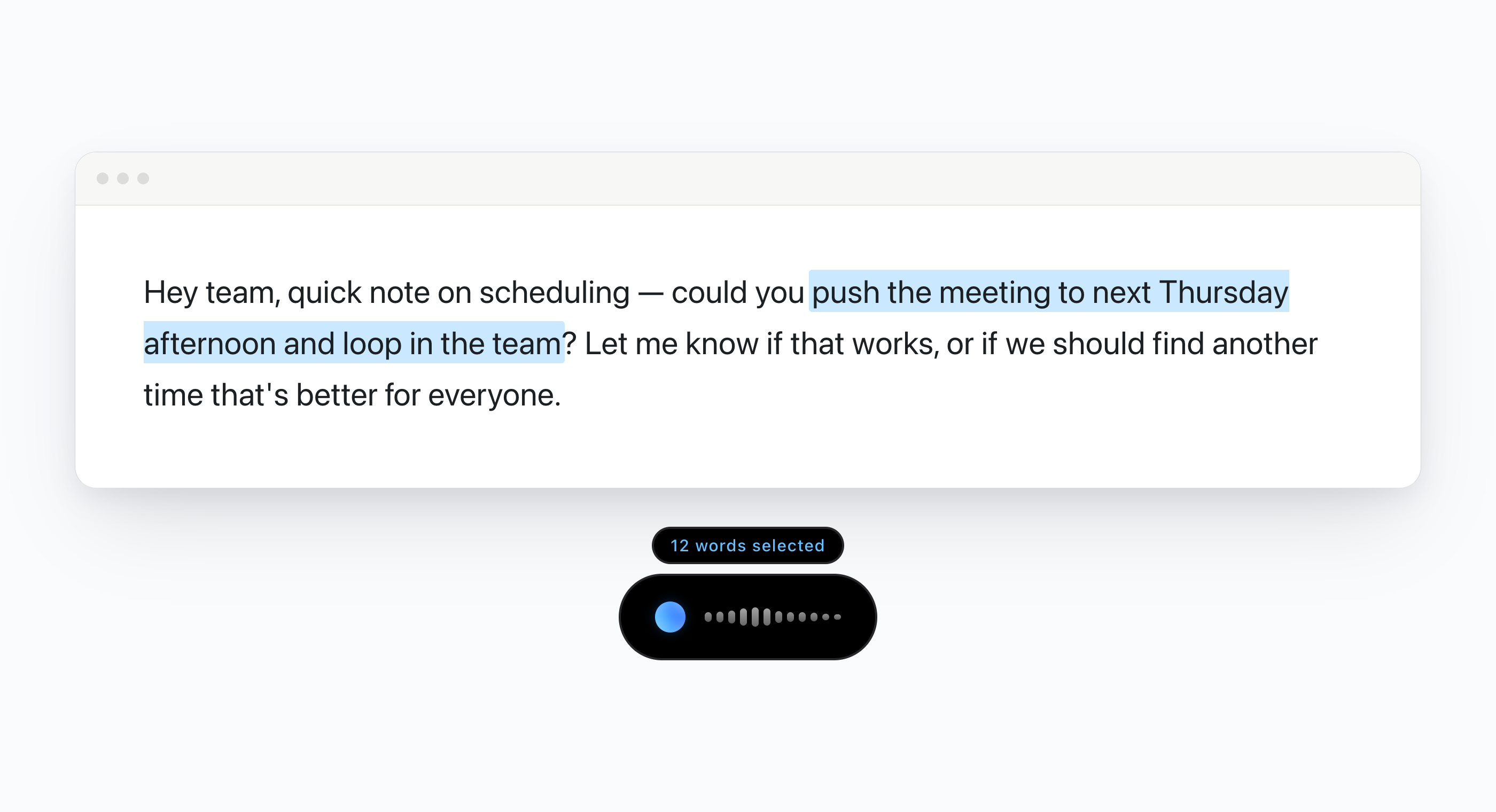
If you hold the key with nothing selected, you get normal dictation, exactly as before. If you hold it with a selection, Aqua switches into Edit Mode automatically and a small chip appears above the pill telling you what it is holding: "12 words selected." Speak, release, and the selection is replaced.
That is the whole interaction. The mode is inferred from what you already did, so there is no state to remember and nothing to toggle when you change your mind halfway through a sentence.
What you can say
Edit Mode covers a wider range than "fix my grammar." These are real examples, taken from the in-app tour and the edit engine's own test suite.
You selected | You say | You get |
|---|---|---|
Great to meet you, Tony! | "It's T - O - N - I" | Great to meet you, Toni! |
See you tomorrow! | "Translate to Japanese" | また明日! |
Revenue hit 10 million dollars | "abbreviate" | Revenue hit $10M. |
i can send that over tomorrow if that works for you | "Fix the grammar" | I can send that over tomorrow if that works for you. |
Thank you very much for taking the time to review this in such detail. | "Make it shorter" | Thanks for reviewing this so carefully. |
The meeting is at 5pm on Thursday. | "Change 5pm to 6pm" | The meeting is at 6pm on Thursday. |
I'm using Grok for inference. | "G-R-O-Q" | I'm using Groq for inference. |
very very | "Delete that" | (deleted) |
Two things in that table are worth pulling out.
You do not need command words. If what you say is clearly a corrected version of what you selected, Aqua treats it as the replacement. Select "Hey John, let's meet on Tuesday.", say "Hey John, let's meet on Monday.", and you get the Monday version. No "change it to," no "replace with." You just say the sentence the way it should have been.
Keep refining the current text. Select the revised text and say the next change. Each desktop edit works from your current selection; Aqua does not keep a chain of earlier versions for spoken undo commands such as "undo that" or "go back to the original." To reverse an edit, use the app's own Undo control where supported, or restore the earlier text yourself.
Where it lands
Edit Mode is on for every desktop user on both macOS and Windows, and it is not a separate purchase or tier. iPhone users have had a voice edit mode since the iOS launch in April; this brings the same idea to the desktop app, with selection-based editing across every app you use rather than one keyboard.
It works in any app: native text fields, browsers, Google Docs, chat and email clients, code editors, note apps, and the rich-text editors that usually break this kind of thing. Wherever you can select text, you can talk to it.
Two deliberate exclusions:
- Search fields and browser address bars are off limits. Selecting a URL in your address bar and dictating should type a query, not rewrite the URL. Aqua detects search fields and stays in normal dictation there.
- There is a selection size limit of 6,000 characters. Select a whole document and Aqua will dictate rather than try to rewrite it.
Every edit is saved in History with the original selection, the result, and the exact words you spoke, so you can see what Aqua heard when something comes out unexpected. If you use Aqua in privacy mode, the selected text and its edit history are redacted at rest along with the rest of your transcript.
Try it in ninety seconds
Open Settings in the Aqua desktop app and click Try it on the Edit Mode card. The tour ends on a live example: a short email draft you can select and edit for real, running the actual pipeline, so you can feel the interaction before you use it on something that matters.
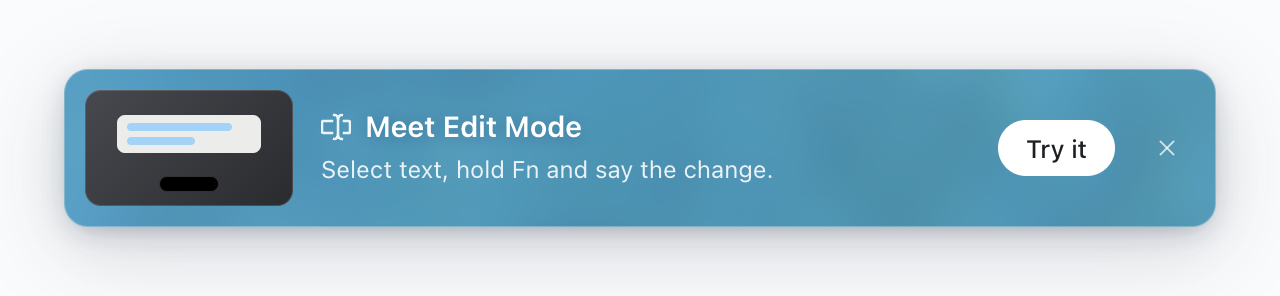
Or skip the tour. Select a sentence you already wrote, hold your Aqua key, and say what is wrong with it.
Download Aqua or update to the latest version from the app. Edit Mode also has a page of its own.