



@0xferruccio
For coding prompting with voice nothing beats @aquavoice All the other transcription apps don't work well with code like tailwind class names
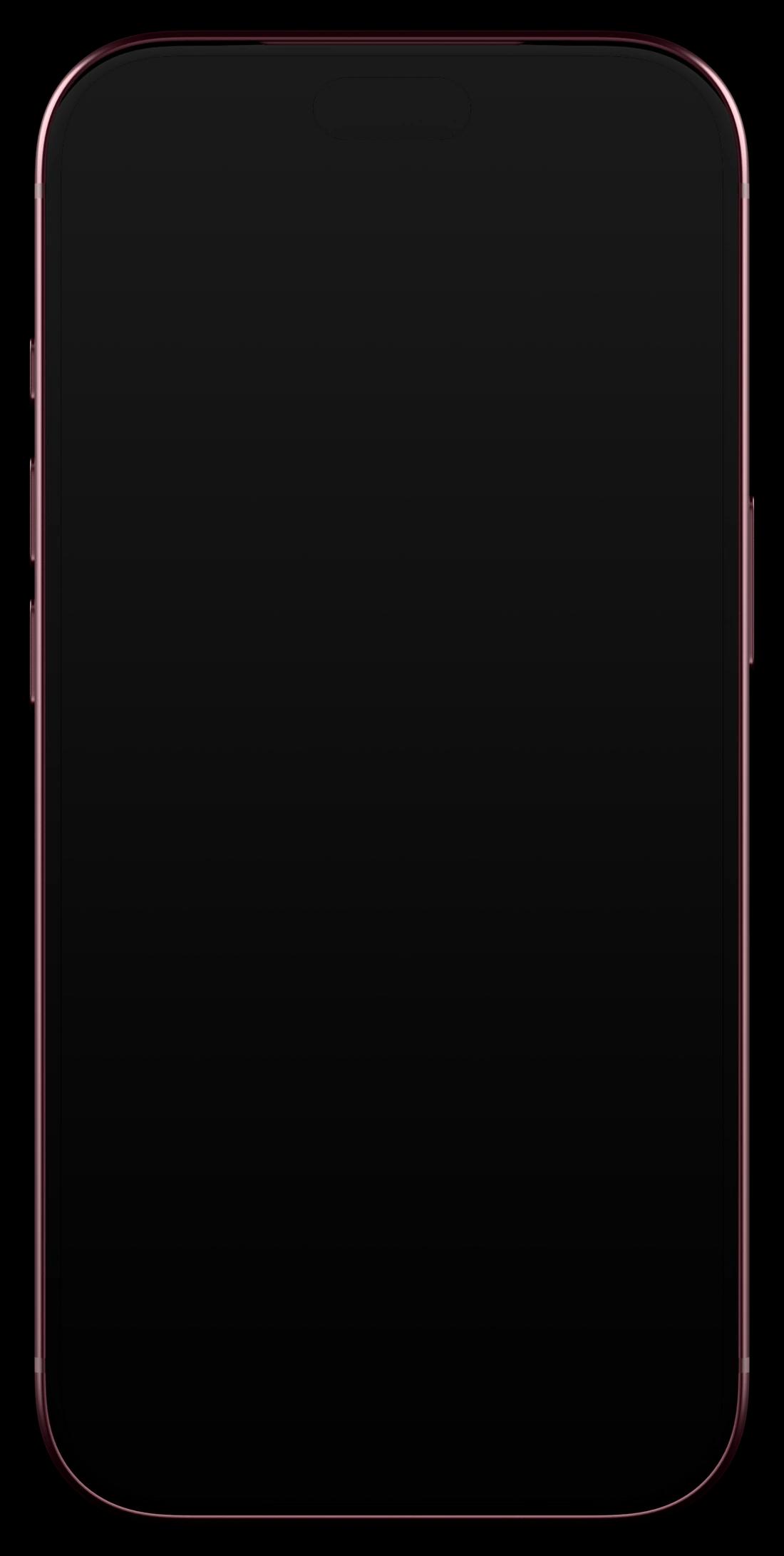
Tap the mic and talk. Clean, punctuated text lands right where you’re typing.

Running ten minutes late. Order me the usual?

Gmail
Hi Priya, the revised deck is attached. Happy to walk through it on Thursday.

Notion
Launch notes: move the date to the 14th. Sam owns the checklist.

Scan to install
Point your phone’s camera here to open the App Store.

ChatGPT
Plan a lazy afternoon in Kyoto: coffee, a garden, then a tiny jazz bar.
Telegram
帰りに花を買って帰ろう。
Used by people at


Your voice, right inside your keyboard
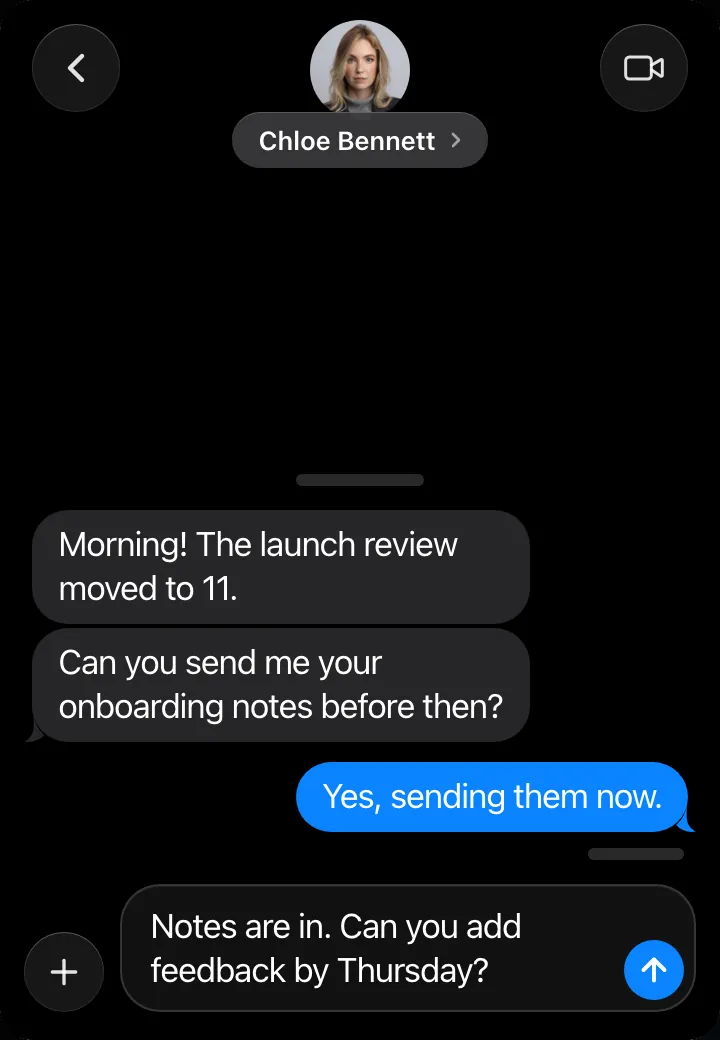
Tap the mic on the Aqua keyboard, say what is on your mind, and tap again to finish. The keyboard records by itself, so the app you are in stays on screen and your words land at the cursor.
Select what you wrote, tap Edit, and say what should change. Aqua rewrites it in place, so fixing a message never means retyping it.
Wherever you are already typing: ChatGPT, WhatsApp, Gmail, Slack, your notes, a search bar. Aqua can tell when you are writing an email and formats it like one.
Works in apps that support third-party keyboards. Secure fields and some apps use the system keyboard.


Dictate in dozens of languages, or turn on Auto-detect and just start talking. The app itself is available in English, German, Spanish, French, Japanese, and Russian.
Aqua is a full keyboard too. Autocorrect fixes typos as you type, the bar above the keys suggests words, and a swipe across the letters writes a word. All of it runs on your iPhone.
Autocorrect, suggestions, and swipe typing work in English.
Perfect drafts, ready to send without a single change, on Voice Arena’s independent dictation benchmark, run on a Mac in US English.Read the resultsVoice Arena
Avalon, the model inside Aqua Voice, was trained on real technical speech, so it writes the words general models miss: names, code, and commands like kubectl or git checkout. In November 2026, Aqua Voice ranked #1 on Voice Arena's independent dictation benchmark, run on a Mac in US English.
Your first 2,000 words are free, so you can test Aqua on your own words before you pay.
Yes. The same model runs Aqua on your phone and your computer, so it gets the names, product terms, and commands you use at work right.
Your custom dictionary, replacements, and instructions sync between your phone and desktop.
Works in apps that support third-party keyboards. Secure fields and some apps use the system keyboard.




Students get 70% off Pro and Max.2,000 free words and your first 3 meetings. No credit card.
Web pricing shown. App Store billing may differ. One subscription covers Mac, Windows, iPhone, and Android.
Aqua Voice is an iPhone keyboard. Use it for everything you write, or switch to it with the globe key when you want to dictate. In English, its keys have autocorrect, typing suggestions, and swipe typing. To set it up, open Aqua, enable its keyboard and Full Access in Settings, then allow microphone access. If Aqua does not appear in the keyboard list, close Settings, reopen Aqua, and tap Open Settings again.
No. The Aqua keyboard records your dictation itself, so the app you are in stays on screen. If you want a dictation to continue while you change apps, turn on Launch Aqua to dictate in Aqua’s Settings.
Yes. In English, the Aqua keyboard has autocorrect, typing suggestions, and swipe typing. Slide on the space bar to move the cursor, or press delete and slide left to remove whole words. Autocorrect is on by default when English is one of your iPhone languages. To turn it on or off, open Autocorrect (English) in Aqua’s Settings. It runs on your iPhone and needs no internet connection.
Aqua Voice works in apps that allow third-party keyboards, including Messages, Mail, Slack, ChatGPT, Notes, and your browser. Secure fields such as password boxes, and some apps, use the system keyboard.
Full Access lets the Aqua keyboard record your speech and send it to Aqua Voice. Cloud dictation and voice editing send audio and relevant text context to Aqua Voice servers. With Privacy Mode on, Aqua keeps none of your dictations and does not use them to improve the product. Session metadata may still be collected.
You get 2,000 free words with no card required. Web Pro plans cost $10/month billed annually or $12 month-to-month for unlimited words. App Store billing may differ. One subscription covers Mac, Windows, iPhone, and Android.
Yes. Your custom dictionary, replacements, and custom instructions sync between Mac, Windows, iPhone, and Android when you use the same Aqua account.
Yes. Notetaker takes notes in meetings in the room. Open Notetaker and tap to start. The notes keep going when you lock your iPhone, and every meeting syncs to your other devices. With Aqua connected to Claude or ChatGPT, a finished meeting opens there in one tap. Your first 3 meetings are free, Pro includes 3 a month, and Max and Business include unlimited meetings.
Aqua Voice offers dozens of dictation languages and an Auto-detect option. Open the language picker in Aqua Voice to see the current list. The app's own interface is available in English, German, Spanish, French, Japanese, and Russian.
Aqua Voice needs an iPhone running iOS 26 or later, microphone access, and an internet connection for cloud dictation and voice editing.
On iPhones with an Action Button and Dynamic Island, open Aqua's Action Button setup and add the Quick Dictation shortcut. In iPhone Settings, choose Action Button, Shortcut, then Quick Dictation. Long press to start and again to stop. Text inserts when the Aqua keyboard is open. Otherwise, Aqua copies it to the clipboard.












