Voice Dictation for Windsurf (2026)
By Finnian Brown
9 min read
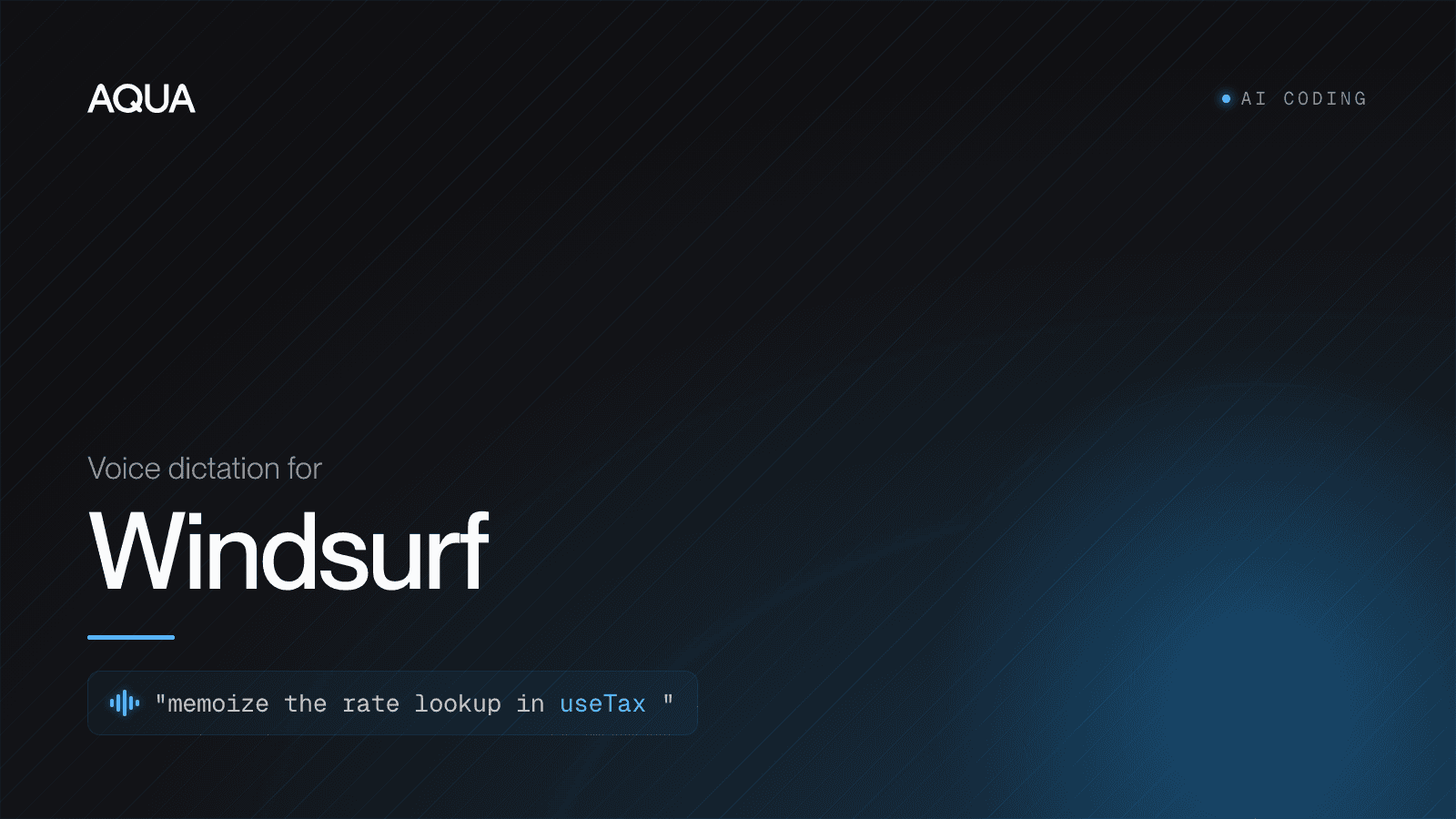
Windsurf now ships voice, but only inside one box: Cascade's Voice Mode lets you speak your prompt into the agent chat on Mac and Windows. For dictation that also works in the editor, the terminal, commit messages and every other app, and that is tuned to spell your code, use a system-wide layer like Aqua.
Cascade's Voice Mode is a real convenience with nothing to install, but it stops at the chat box: it does not help you dictate in the editor, the integrated terminal, a commit message, or any app outside Windsurf. As far as anyone can tell it runs a general transcription engine, and Windsurf has not disclosed any codebase adaptation for it, so it does not reliably output your variable and library names as exact tokens. A system-wide layer like Aqua inserts dictated text at your cursor anywhere in Windsurf and everywhere else, and it is tuned to get code identifiers right. If you only ever talk to Cascade, its Voice Mode is fine. If you want to speak code, commands and prose across your whole machine, you want the system-wide layer.
That is the decision. The rest of this page explains where Cascade's voice ends, why an agent-first IDE makes dictation more valuable than ever, and how to set voice up so it works across all of Windsurf.
Windsurf has voice now. Here is exactly what it covers.
Credit where it is due: Windsurf added Voice Mode to Cascade, its agentic assistant, so you can narrate what you want built while looking at the code instead of typing the whole prompt. There is a microphone control in the Cascade input, you speak, and your words land in the chat. For dictating a long instruction to the agent, that is a real convenience with nothing extra to install.
Two limits keep it from being the whole answer:
- It only lives in the Cascade chat. Voice Mode is for the agent prompt box. It does nothing when your cursor is in the editor writing a comment or a docstring, in the integrated terminal running a command, in the commit message field, in the Command inline edit, or in any of the other apps you touch in a day (browser, Slack, your notes, the PR description on GitHub).
- It looks like a general-purpose dictation engine. As far as anyone can tell it transcribes natural language well, but Windsurf has not disclosed any codebase adaptation for it, so it does not reliably output
useAuthStore,pnpm dlx,SWE-1.5,apps/web/src/routesor a teammate's handle as exact tokens. You still proofread the identifier-heavy lines.
None of that makes Cascade's voice bad. It makes it Cascade's prompt-box voice. If your day is one panel and long natural-language prompts, it is fine. If your day is code, commands and prose scattered across the editor, the terminal and five other apps, it is a partial answer.
Why an agent-first IDE makes voice more valuable, not less
Windsurf's whole premise is that you steer an agent. You describe intent in natural language and Cascade writes, edits and refactors across files. That premise is exactly what makes voice pay off: the bottleneck is no longer how fast you type code, it is how fast you can express intent. Speaking is up to 5x faster than typing, and an instruction like "refactor the checkout flow to pull the tax logic out of CartSummary into a useTax hook, and update the tests" is far quicker said than typed.
But that same instruction is dense with the words general speech models are worst at: CartSummary, useTax, hook, the file paths, the library names. A model trained on audiobooks and podcasts hears "use tax" as two ordinary words and "Cascade" as a mountain feature. In a document you would skim past it. In an agent prompt, a mangled identifier sends the agent editing the wrong symbol, and now you are cleaning up instead of shipping. The faster the IDE lets you move, the more a general transcription engine costs you. This is the same reason we wrote up speech-to-text for Cursor and voice dictation for Claude Code: agent surfaces reward voice, and punish a model that cannot spell your codebase.
What "voice dictation for Windsurf" should actually do
For someone coding in Windsurf, dictation earns the label on four things:
- Code-identifier accuracy. It writes
useTax,SWE-1.5,pnpm dlx,apps/web/src/routesandAuthContextas written, not as a phonetic guess. Aqua runs its own proprietary model, Avalon, trained on human-computer-interaction speech (prompts, code, commands and email) rather than audiobooks. In a 9to5Mac side-by-side against built-in macOS Dictation on the same passage, Apple made 17 errors and Aqua made 1. - Works everywhere in Windsurf, and outside it. One hotkey should insert text at the cursor in the Cascade panel, the editor, the integrated terminal, the Command inline edit, and the commit box, and then keep working the second you tab over to your browser, Slack or a GitHub PR. A system-wide layer does not care which surface has focus.
- Context awareness. Aqua's Deep Context reads what is on screen, so when your editor is full of one project's names, transcription leans toward those terms instead of their English near-homophones.
- Speed. Aqua inserts text about 450ms after you release the key. When you are firing quick prompts and short edits at an agent, that latency is the difference between staying in flow and waiting on your tools.
On independently checkable footing: Avalon placed #1 among proprietary models on the OpenASR leaderboard at its October 2025 debut. Aqua's own AISpeak benchmark, which we label self-reported, puts Avalon at 97.3% on AI and coding jargon versus far lower scores for general engines. Aqua also covers 49 languages and runs on Mac, Windows, iOS, and Android.
How to set up voice dictation across Windsurf
Because Aqua is an OS-level layer, there is nothing to install inside Windsurf and no per-panel config. You set it up once at the system level and it works in every Windsurf surface and every other app.
- Install Aqua for macOS or Windows and sign in.
- Grant accessibility / input permission when prompted so Aqua can insert text into other apps. On macOS this is System Settings > Privacy & Security > Accessibility.
- Pick your push-to-talk key. The default is Fn (hold to record, release to insert). Hold-to-talk suits an IDE because your bursts are short: a prompt here, a variable name there.
- Click into any Windsurf surface: the Cascade chat, a code file, the integrated terminal, the Command inline edit, or the commit message box.
- Hold Fn, speak, release. The text lands at the cursor. Read it, then send or run.
That is the whole loop, and the same muscle memory works the instant you leave Windsurf for your browser, your terminal in another window, or Slack.
A real example in Cascade
Open the Cascade panel, hold Fn, and say:
"In
useTax, memoize the rate lookup with useMemo keyed on the cart's country code, and add a unit test inuseTax.test.tscovering a zero-rate region."
Release, and the full instruction lands in the prompt box, useTax, useMemo and useTax.test.ts intact, then you hit send. No reaching back to fix a mangled hook name. The same hold-Fn habit works when you drop into the editor to dictate a docstring or into the terminal to talk to a CLI agent.
Dictating code accurately: a few habits
Voice is for intent, not for spelling out every character. A few habits make Windsurf smooth:
- Speak identifiers naturally. Say "use tax hook" or "auth context" and let a code-tuned model resolve the casing. For the exact spelling of an oddly-cased symbol, add it to your dictionary once (below) rather than fighting it every time.
- Let the agent resolve boilerplate. In Cascade, describe the goal ("extract the tax logic into its own hook and wire it into CartSummary") instead of narrating syntax. The agent writes the code; you supply the intent.
- Add your constants to the Custom Dictionary. Repo names, internal libraries, service names, model names like
SWE-1.5, a teammate's handle (up to 800 entries on Pro) so they are locked in every time. - Use Custom Instructions for standing preferences, for example "keep commit messages in the conventional-commits format" or "prefer TypeScript over JavaScript in examples."
You will still type the occasional exact token, and that is fine. Most of what you send an agent is reasoning and instruction, which is what voice is fastest at.
Cascade Voice Mode vs a system-wide layer: which should you use?
A fair, honest split:
- Use Cascade's built-in Voice Mode if you only ever dictate into the Cascade chat, you are happy with a general engine for the occasional identifier, and you never want to speak in the editor, the terminal, or any other app.
- Use a system-wide layer like Aqua if you want to dictate across every Windsurf surface and every other app, you want higher accuracy on symbol names, library names and file paths, and you want one hotkey and one habit everywhere instead of a feature that stops at the chat box.
One honest caveat on Aqua: it is cloud-based, so it needs a network connection. On a fully offline machine, a local tool wins. For everyday connected work, the code accuracy and the everywhere-reach are worth the trade.
On price, Aqua Pro is $8/mo billed annually, with a free Starter tier (1,000 words) to try it and a 70% student discount on a .edu email. If you want to build voice into your own tooling, the Avalon API is an OpenAI-compatible endpoint at $0.39 per hour of audio. See how Aqua stacks up against Wispr Flow, and the full feature tour is in the Aqua guide.
The bottom line
Windsurf did the right thing shipping Voice Mode, but it drew a small box around it: one panel, one general engine. An agent-first IDE is precisely where speaking beats typing, because the work is expressing intent, not pressing keys. That value only fully lands when voice follows you into the editor, the terminal, the commit box and every app after it, and when the model can actually spell your codebase. We have typed for 150 years. In an IDE you increasingly talk to, it is time to speak.
FAQ
Does Windsurf have built-in voice input? Yes. Windsurf shipped Voice Mode for Cascade, its agent assistant, on Mac and Windows, so you can speak your prompt into the Cascade chat instead of typing it. It is limited to that chat box and uses a general transcription engine, so it does not cover the editor, the integrated terminal, commit messages, or other apps, and it is not adapted to your codebase.
What is the most accurate voice dictation for Windsurf? Accuracy on code identifiers, library names and file paths is what decides it. Aqua runs its own Avalon model, trained on prompts and code rather than audiobooks, and placed #1 among proprietary models on the OpenASR leaderboard at its October 2025 debut. In a 9to5Mac test it made 1 error where macOS Dictation made 17.
Can I dictate in the Windsurf editor and terminal, not just Cascade? Not with Windsurf's built-in Voice Mode, which only works in the Cascade chat. A system-wide layer like Aqua inserts text at the cursor in the editor, the integrated terminal, the Command inline edit and the commit box, and in every app outside Windsurf, all from one push-to-talk key.
How much does Aqua cost for Windsurf users? Aqua Pro is $8/mo billed annually, with a free Starter tier (1,000 words) and a 70% student discount with a .edu email. There is also an Avalon API at $0.39 per hour of audio for building voice into your own developer tooling.