Voice to Text in the Terminal (2026)
By Finnian Brown
9 min read
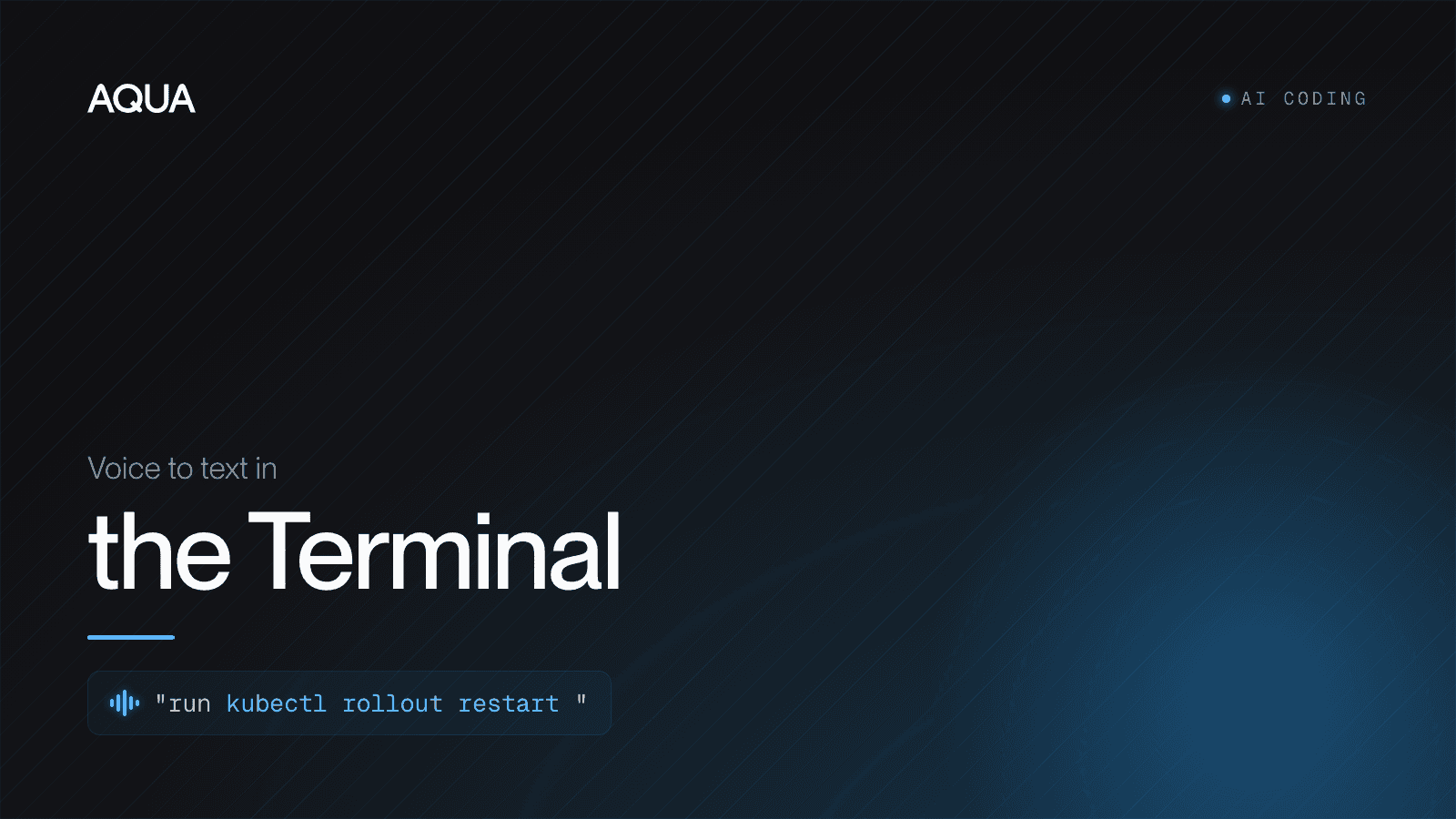
Yes, you can dictate at the command line in 2026. Warp ships native voice input for its own agent and command bar, and a system-wide dictation layer like Aqua inserts spoken text at the cursor in any terminal (iTerm2, Terminal.app, Ghostty, tmux, SSH) while getting command-line syntax right.
The nuance is in the split. Every terminal other than Warp has no built-in voice, and macOS system Dictation is unreliable inside them. If you only ever use Warp, its native voice may be enough. If you bounce between terminals, SSH into boxes, or want accuracy on flags, paths and subcommands, you want the system-wide layer that follows your cursor. The rest of this page walks through why the terminal is the hardest surface for voice, and how to set dictation up so it actually works there.
Why the terminal is the hardest place to dictate
Prose is forgiving. If dictation writes "their" for "there," a reader still understands you. The command line is the opposite: it is unforgiving, character-exact, and made almost entirely of the words general speech models are worst at.
Think about what a single terminal line contains:
- Flags and options:
-rf,--onto,--no-verify,-p 5432. - Subcommands:
git rebase,kubectl get pods,docker compose up. - Package and binary names:
pnpm,npx,ripgrep,jq,ffmpeg. - Paths and globs:
./src/**/*.ts,~/.config/nvim. - Env vars and operators:
$HOME,2>&1,|,&&.
A speech model trained on audiobooks and podcasts hears "P and M" for pnpm, "dash dash on to" as four separate words, and "grep" as "grip." In a document you would skim past it. At a shell prompt it is a broken command, and now you are back on the keyboard fixing it, which defeats the point of speaking in the first place.
This matters more now than it did a year ago, because the terminal stopped being just a place to type commands. With Warp Agent Mode, Claude Code, and Codex CLI, the command line is a place you converse with an agent: long, natural-language instructions full of file names, library names and technical intent. That is exactly the input voice is fastest at, and exactly where a general transcription model falls down.
Warp has native voice. Here is what it does and where it stops.
Credit where it is due: Warp is the one mainstream terminal that ships voice input as a first-class feature. You enable it under Settings > Agents > Warp Agent > Voice, pick an activation hotkey, and then speak into Agent Mode, the command input, or the Find dialog. Per Warp's own documentation, the transcription is powered by Wispr Flow, processed in real time and not retained as a recording. For someone who lives entirely inside Warp and mostly talks to the agent, that is a genuinely convenient setup with nothing extra to install.
Two limits keep it from being the whole answer:
- It only works in Warp. The moment you open iTerm2, drop into Terminal.app, run Ghostty, split into tmux, or SSH into a server and work in that shell, Warp's voice is not there. Most developers do not use exactly one terminal in exactly one window all day.
- It is a general dictation engine, not a command-line one. It is built to transcribe natural language well. It is not specifically tuned to output
git rebase --onto mainorrg -n "TODO" ./srcas exact tokens, so you still proofread the syntax-heavy lines.
None of that makes Warp's voice bad. It makes it Warp's prose-and-agent voice. If your day is one terminal and long agent prompts, it is fine. If your day is many terminals and exact commands, it is a partial answer.
iTerm2, Terminal.app, Ghostty, tmux, SSH: no native voice
Outside Warp, the built-in options thin out fast. iTerm2, Terminal.app, Ghostty and every SSH session have no voice feature of their own. Your only OS-level fallback is macOS system Dictation, and in a terminal it is a rough experience: it is built for natural-language text fields, it fumbles the command vocabulary above, and in practice many developers find it flaky or non-functional inside terminal input. On Linux you can reach for command-line tools like nerd-dictation, voice2json or whisper.cpp, which are great for the offline-first crowd but are a build-it-yourself setup, not a polished layer that follows you across apps.
So the real gap is this: the terminal is where developers most want to speak exact things, and it is the surface with the least native voice support. That is the gap a system-wide layer is built to close.
What "voice to text for the terminal" should actually do
For a developer at the command line, dictation earns the label on four things:
- Command-line accuracy. It writes
--no-verify,kubectl,pnpm dlx,chmod +xand~/.ssh/configas written, not as a phonetic mangle. Aqua runs its own proprietary model, Avalon, trained on human-computer-interaction speech (prompts, code, commands and email) rather than audiobooks. In a 9to5Mac side-by-side against built-in macOS Dictation on the same passage, Apple made 17 errors and Aqua made 1. - Works in every terminal. One hotkey should insert text at the cursor whether you are in iTerm2, Warp, Ghostty, Terminal.app, a tmux pane, or an SSH session on a remote box. A system-wide tool does not care which terminal has focus.
- Context awareness. Aqua's Deep Context reads what is on screen, so when your terminal or editor is full of one project's names, transcription leans toward those terms instead of their English near-homophones.
- Speed. Aqua inserts text about 450ms after you release the key. When you are firing short commands and quick agent instructions, that latency is the difference between flow and waiting.
On independently checkable footing: Avalon placed #1 among proprietary models on the OpenASR leaderboard at its October 2025 debut. Aqua's own AISpeak benchmark, which we label self-reported, puts Avalon at 97.3% on AI and coding jargon versus far lower scores for general engines. Aqua also covers 49 languages and runs on Mac, Windows, iOS, and Android.
How to set up voice to text in any terminal
Because Aqua is an OS-level layer, there is nothing to install inside your terminal and no per-app config. You set it up once at the system level and it works in every terminal and every other app.
- Install Aqua for macOS or Windows and sign in.
- Grant accessibility / input permission when prompted so Aqua can insert text into other apps. On macOS this is System Settings > Privacy & Security > Accessibility.
- Pick your push-to-talk key. The default is Fn (hold to record, release to insert). Hold-to-talk beats a toggle in the terminal because your bursts are short.
- Click into any terminal prompt: iTerm2, Warp, Ghostty, Terminal.app, or a shell inside tmux or over SSH.
- Hold Fn, speak, release. The text lands at the cursor. Read it, then press Enter to run.
That is the whole loop, and the same muscle memory works the instant you leave the terminal for your editor, your browser, or Slack.
A real example at the prompt
Click into any shell, hold Fn, and say:
"git checkout dash b feature slash voice input, then push dash u origin head."
Release, and you get the command at the cursor. For flag-heavy lines, the faster habit is to speak the intent to your agent and let it resolve the exact tokens: hold Fn in a Claude Code or Codex CLI session and say, "stage everything, commit with the message fix terminal dictation, and open a PR against dev." The full instruction lands as written, dev included, and you never reach back to type a flag.
Dictating commands accurately: a few habits
Voice is for intent, not for spelling out every character. A few habits make the terminal smooth:
- Speak symbols naturally. "dash b," "double dash onto," "pipe," "and and," "greater than." A command-tuned model resolves the common operators in context.
- Let the agent resolve exact tokens. When you are talking to Claude Code, Codex or Warp Agent, describe the goal ("rebase this branch onto main and force push with lease") instead of dictating raw syntax. The agent already knows the flags.
- Add your constants to the Custom Dictionary. Repo names, internal CLI tools, host names, a teammate's handle (up to 800 entries on Pro) so they are locked in every time.
- Use Custom Instructions for standing preferences, for example "always spell out CLI flags in full" or "keep commit messages lowercase."
You will still type the occasional exact token, and that is fine. Most of what you send an agent at the command line is reasoning and instruction, which is what voice is fastest at.
Warp voice vs a system-wide layer: which should you use?
A fair, honest split:
- Use Warp's built-in voice if you work almost entirely inside Warp, you mostly talk to Warp Agent in natural language, and you are happy with a general dictation engine for the occasional command.
- Use a system-wide layer like Aqua if you switch between terminals, SSH into remote machines, want higher accuracy on flags, paths and subcommands, and want the same hotkey to also work in your editor, browser and chat apps.
One honest caveat on Aqua: it is cloud-based, so it needs a network connection. On an offline box with no route out, a local tool wins. For everyday connected work, the CLI accuracy and the every-terminal reach are worth the trade.
On price, Aqua Pro is $8/mo billed annually, with a free Starter tier (1,000 words) to try it and a 70% student discount on a .edu email. If you want to build voice into your own tooling or a custom terminal workflow, the Avalon API is an OpenAI-compatible endpoint at $0.39 per hour of audio. See how Aqua stacks up against Wispr Flow, and the full feature tour is in the Aqua guide.
The bottom line
The terminal is where developers most want to say exact things, and it is the surface with the least native voice support. Warp is the honorable exception, but it is one terminal and a general engine. The moment your day spans iTerm2, a tmux split, and an SSH session, and it is full of flags and paths, you want a layer that gets command-line syntax right and inserts it wherever your cursor is. We have typed for 150 years. In a terminal you increasingly talk to, it is time to speak.
FAQ
Can you use voice to text in the terminal? Yes. Warp ships native voice input for its own agent and command input. In every other terminal (iTerm2, Terminal.app, Ghostty, tmux, SSH), there is no built-in voice, and macOS system Dictation is unreliable there. A system-wide tool like Aqua inserts dictated text at the cursor in any terminal and is tuned for command-line syntax.
What is the most accurate voice to text for command-line work? Accuracy on flags, paths and subcommands is what decides it. Aqua runs its own Avalon model, trained on prompts and commands rather than audiobooks, and placed #1 among proprietary models on the OpenASR leaderboard at its October 2025 debut. In a 9to5Mac test it made 1 error where macOS Dictation made 17.
Does macOS Dictation work in iTerm2? It can be enabled, but macOS Dictation is built for natural-language text fields and struggles with command vocabulary, so many developers find it flaky or unusable at a shell prompt. A dedicated system-wide layer inserts text at the cursor in iTerm2 and is tuned for CLI tokens.
How much does Aqua cost for terminal users? Aqua Pro is $8/mo billed annually, with a free Starter tier (1,000 words) and a 70% student discount with a .edu email. There is also an Avalon API at $0.39 per hour of audio for building voice into your own terminal tooling.