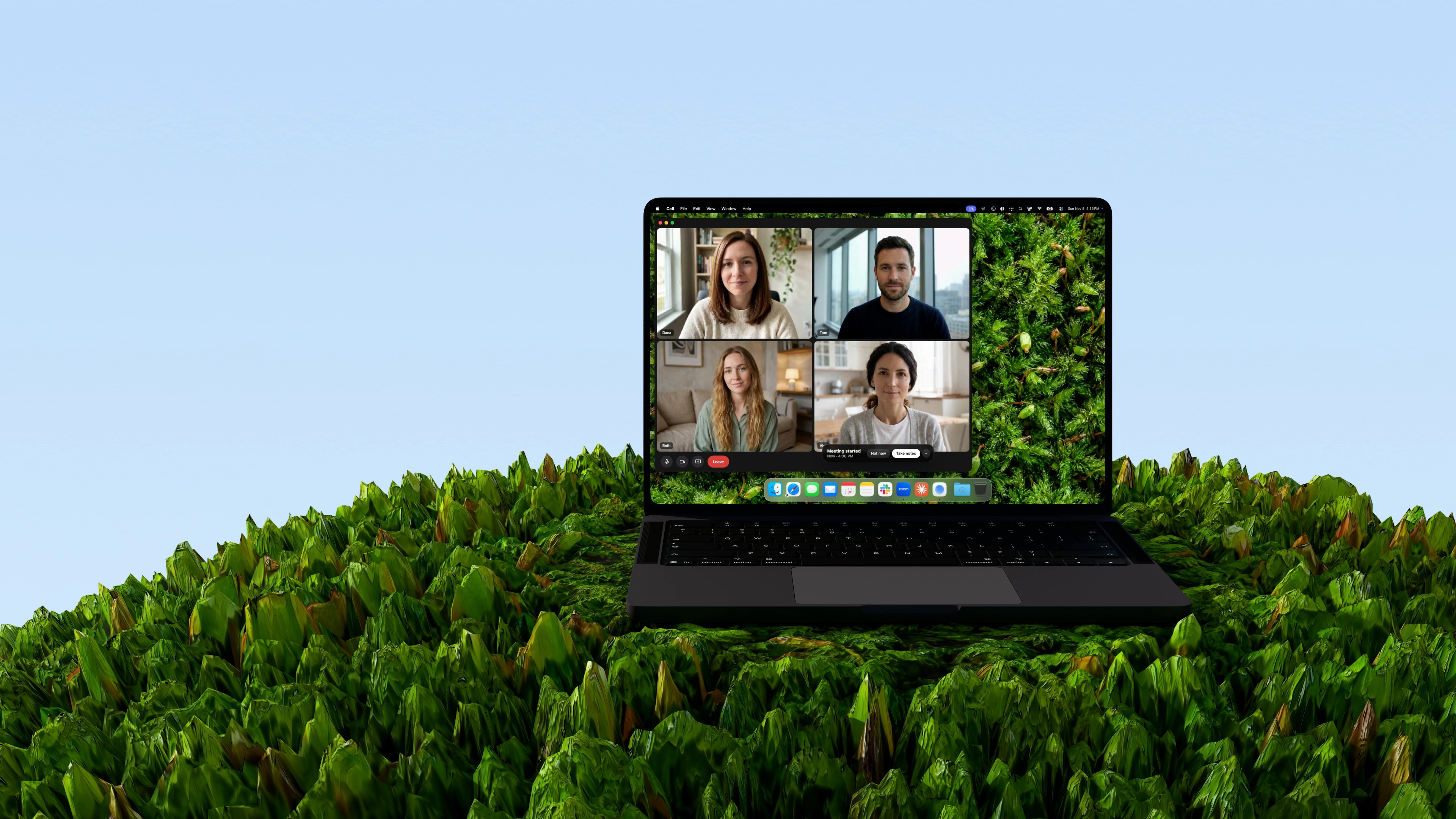
Capture the meeting and let your agent do the work.

Mac · Windows · iPhone · Android

Used by people at

  • Netflix
  • Spotify
  • Honda
  • Zendesk
  • Toyota
  • Block
  • DoorDash
  • Yamaha
  • Salesforce
  • ByteDance
  • HubSpot
  • Suntory
  • ElevenLabs
“When a meeting starts, turn on Aqua Voice and you don’t need a voice recorder.”
Fado@fado_dev
“If you’re dictating ideas, notes, or full drafts, transcription accuracy matters. Aqua Voice gets it right.”
Giulia Guerrieri@iamgiuliague
“Aqua Voice + ChatGPT writes far more careful meeting minutes than I do. Such a help.”
az@sound09az

Give your agents everything.

Claude
Codex
Gemini
Cursor
Grok Bot
Hermes
Muse
Devin
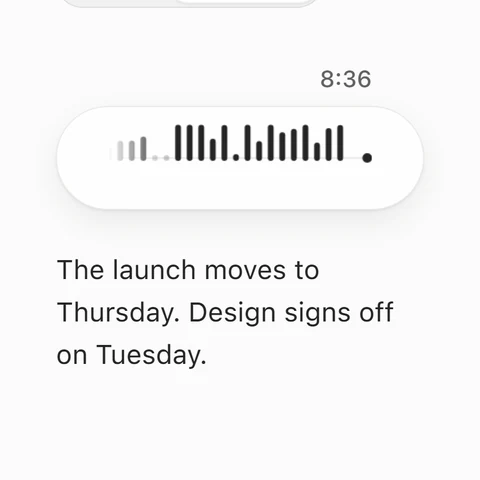
Most of what you know at work was said out loud. At a conference table. On a Slack huddle. Over lunch, with your phone on the table. To your computer, all day. And what wasn’t said, you saw on your screen.

Your AI sees none of it. It works from whatever you remember to paste in.

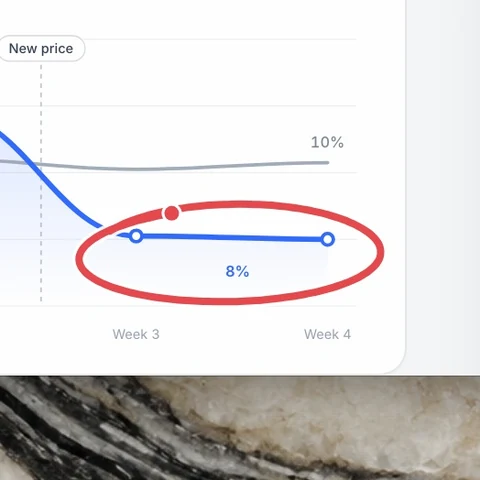
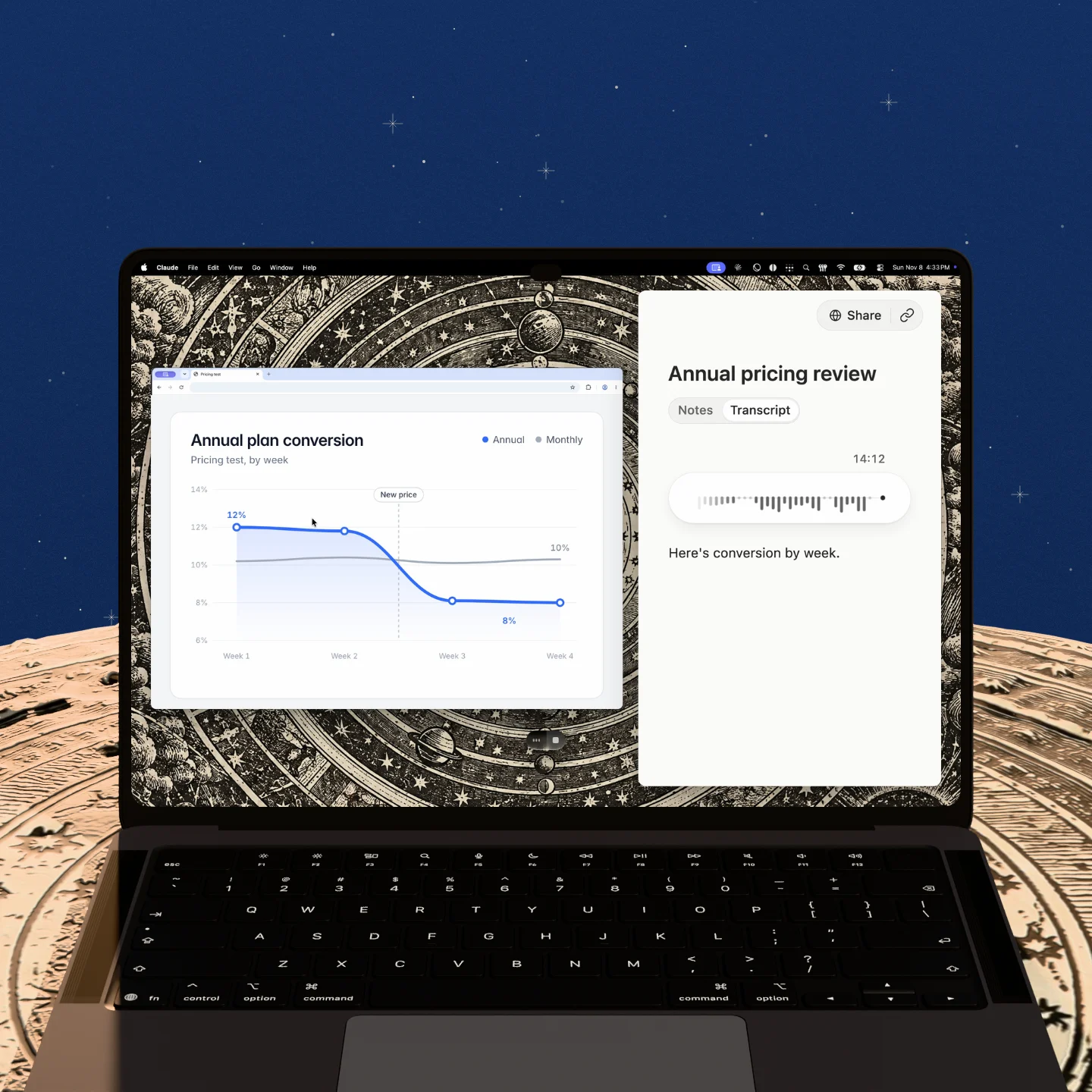
Aqua keeps the pieces together. The decision from the call, the chart you circled, the note you dictated after. Connect Aqua MCP to Claude, Codex, Grok Bot, Muse, or any agent to access the whole story, not your summary of it.

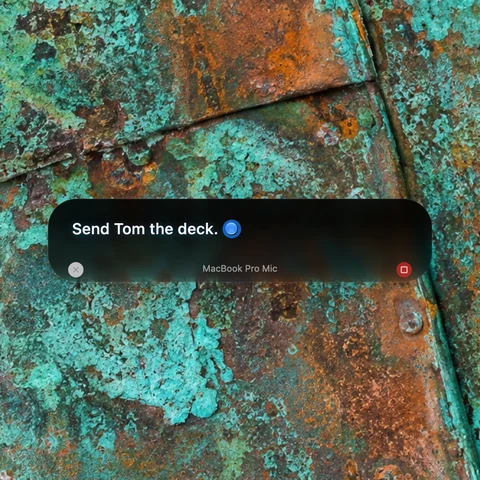
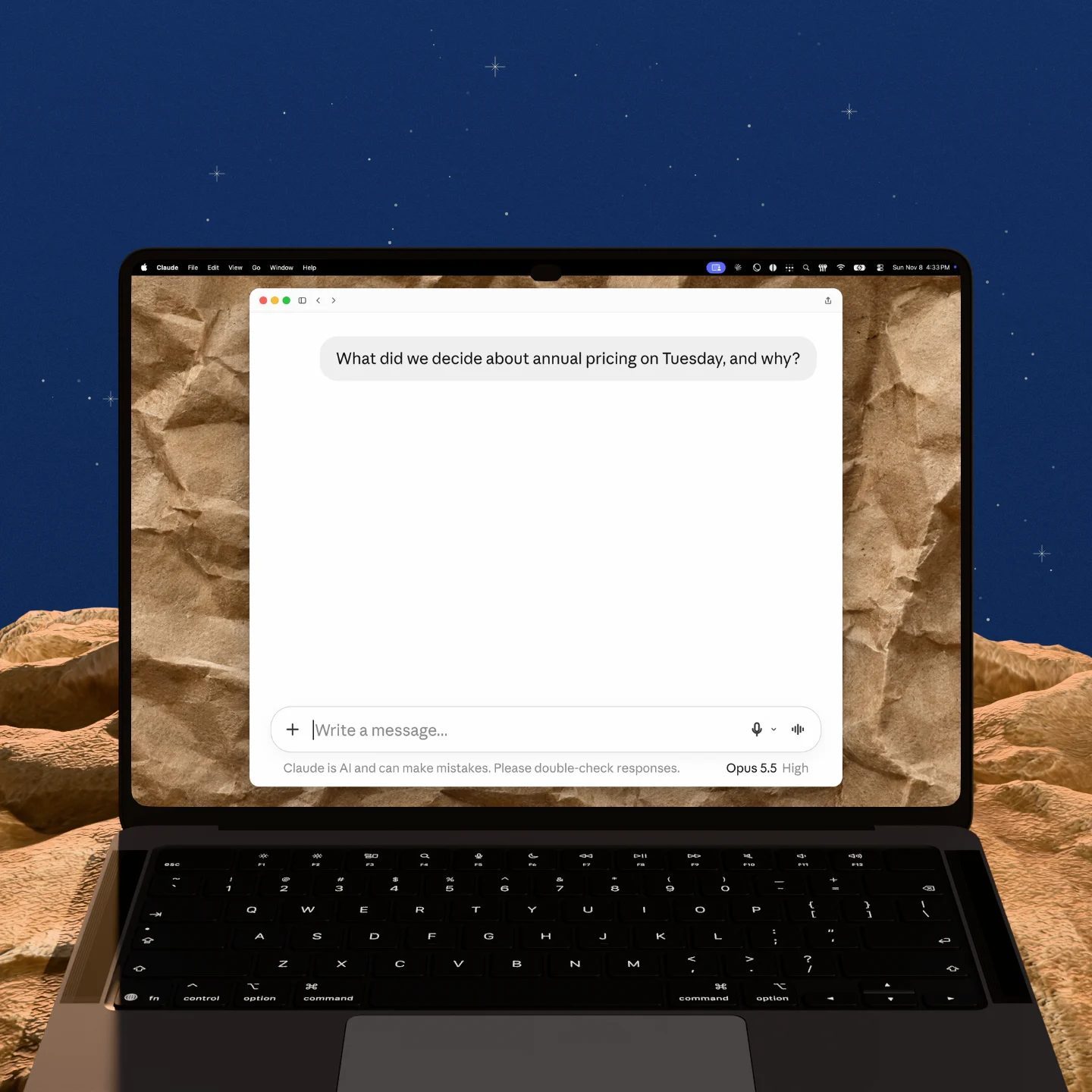
Ask: “What were the material changes from our last design call?” then say “go.”

Avalon 1.5

Take next steps without even double checking.

Avalon 1.5 gets 97% of technical terms right.

Aqua Pen

Add screenshots to your transcript with Aqua Pen.

So your agents see what you saw, not just what you heard.

Aqua MCP

Pull up any
meeting
with Aqua MCP.

Feed it directly into Claude Code, Codex, or any agent.

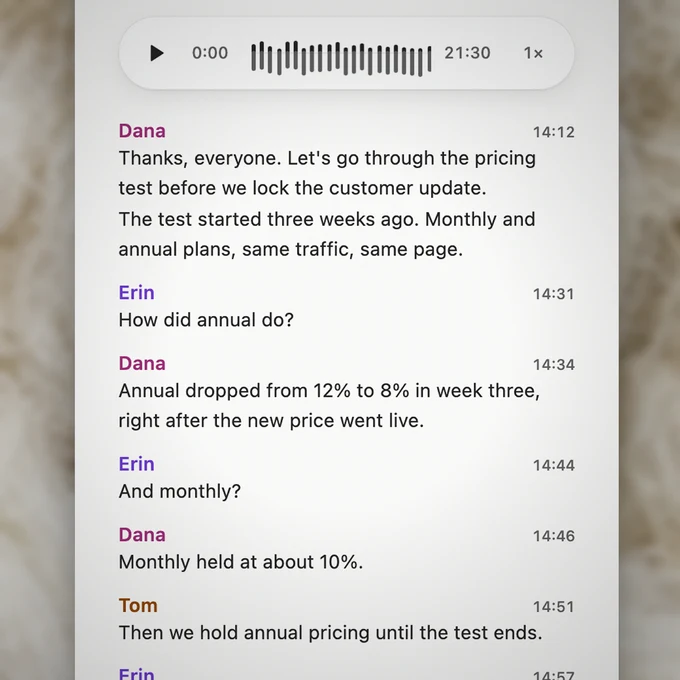
  • Detect speakers.

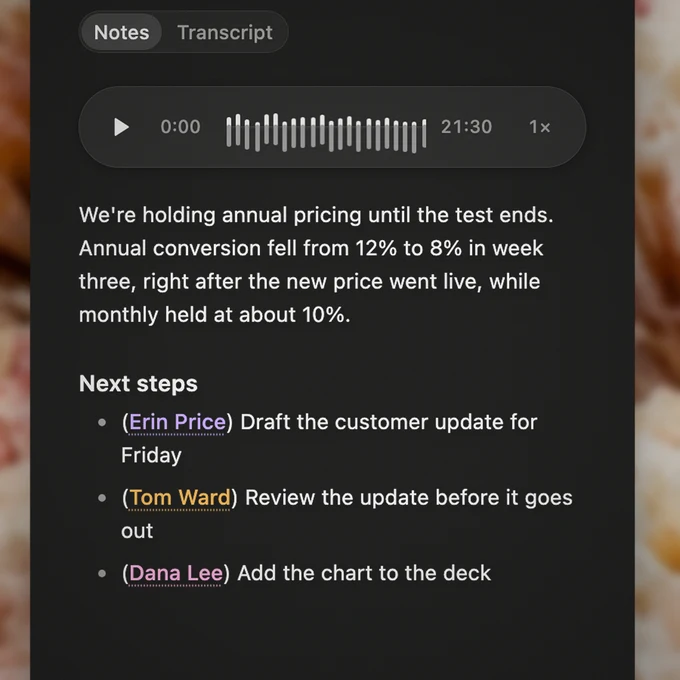
  • Generate notes.

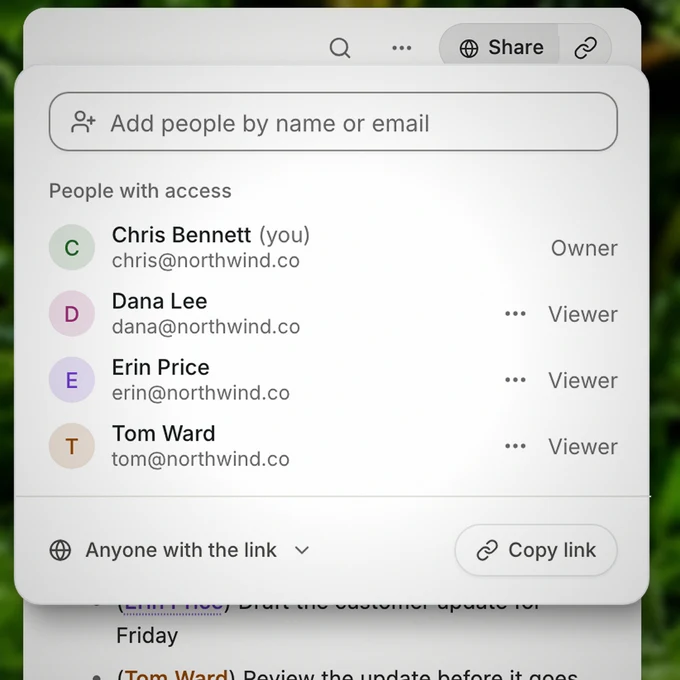
  • Share the context.

Your meetings stay yours.

Explore our security and privacy practices in the Trust Center.

  • Privacy Mode.Recognize speakers within each meeting, without saving voice profiles between meetings.

  • SOC 2 Type II / ISO 27001.Independent audits of our security practices. Read the reports in our Trust Center.

  • GDPR / HIPAA.Built for sensitive work. Sign the BAA in the app before using protected health information.

  • Business controls.Set team-wide privacy policies, Zero Data Retention, and single sign-on in one place.

Bring your meetings with you.

Coming from Granola or Otter? Import your past meetings in Notetaker settings, and they join your Aqua Voice library.

Get started for free.

Students get 70% off Pro and Max.

Free

Try voice typing.

$0to start

Pro

Unlimited dictation.

Max

For power users.

Business

Aqua for your team.

Frequently asked questions.

How accurate is the transcript?

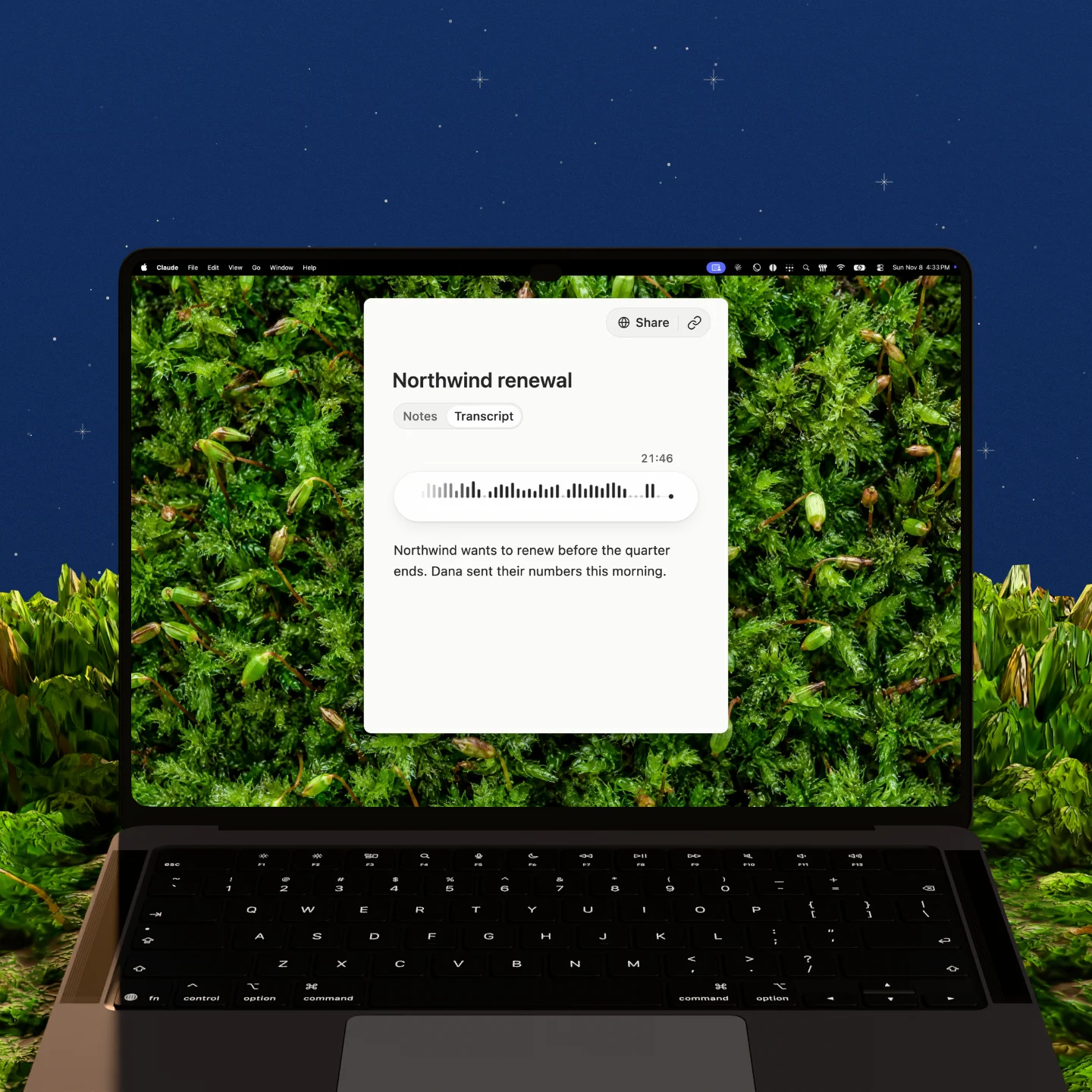
Aqua Voice writes the transcript as people talk and labels every line with who said it. After an English meeting, Aqua Voice reads the transcript again to fix misheard words and words given to the wrong person. The best test is your own meeting: take notes with Aqua Voice next to the tool you use now, and compare.

Does Aqua Voice join the call as a bot?

No. Aqua Voice captures your microphone and computer audio on your own device. You can use it with a call you can hear, or with an in-person conversation through your microphone.

How is Notetaker different from an AI note taker that joins as a bot?

A bot note taker joins the call as an extra participant and records from inside the meeting. Notetaker never joins. It takes AI meeting notes from the audio on your own device, so the call looks the same to everyone in it.

Do I need to tell people I’m recording?

Yes. Let everyone know before you start. Aqua Voice doesn’t join the call as a bot, so no one gets a notice from Aqua Voice. Recording laws differ from place to place, so check the rules that apply to you and the people you meet.

Can I use it for in-person meetings?

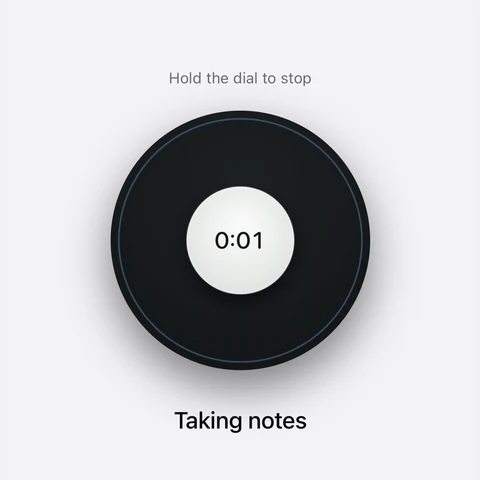
Yes. Start a note when the meeting begins, and Aqua Voice takes notes through your microphone. It tells the voices apart, so each line still shows who said it.

Which meeting apps does Notetaker work with?

Notetaker works with Zoom, Google Meet, Microsoft Teams, Webex, Slack huddles, FaceTime, and calls in your browser. It listens to your microphone and your computer’s audio, so there is nothing to add to the meeting app and no bot to invite.

Which languages can a meeting be in?

Notetaker detects the language of each meeting automatically and writes the notes in that language.

Which platforms and calendars are supported?

Notetaker runs in Aqua Voice for Mac, Windows, iPhone, and Android. On a Mac, capturing your computer’s audio requires macOS 14.2 or later. You can connect Google Calendar or Outlook to see upcoming meetings.

Is Notetaker free?

Yes, to start. Free includes your first 3 meetings, Pro includes 3 a month, and Max and Business include unlimited meetings.
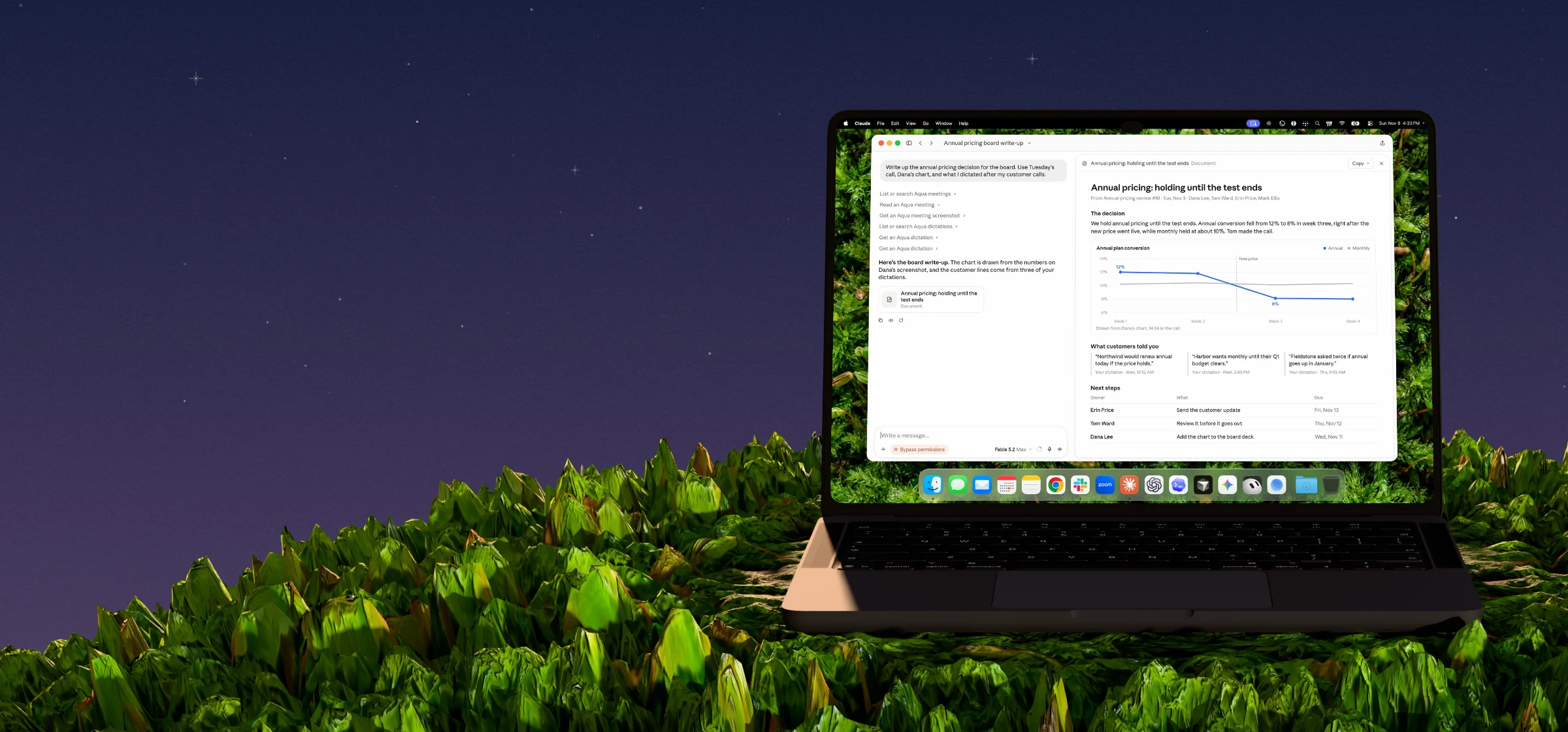
Give your agents the context to do better work.

Mac · Windows · iPhone · Android